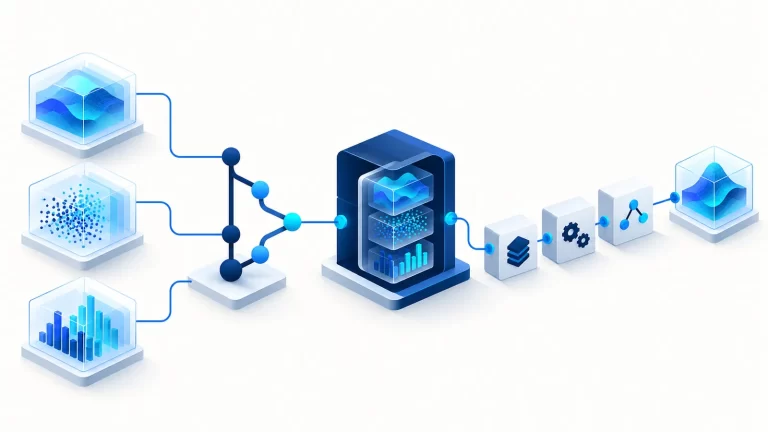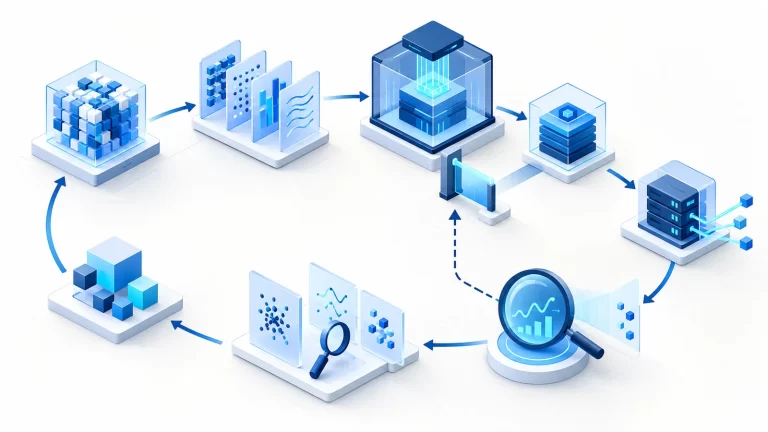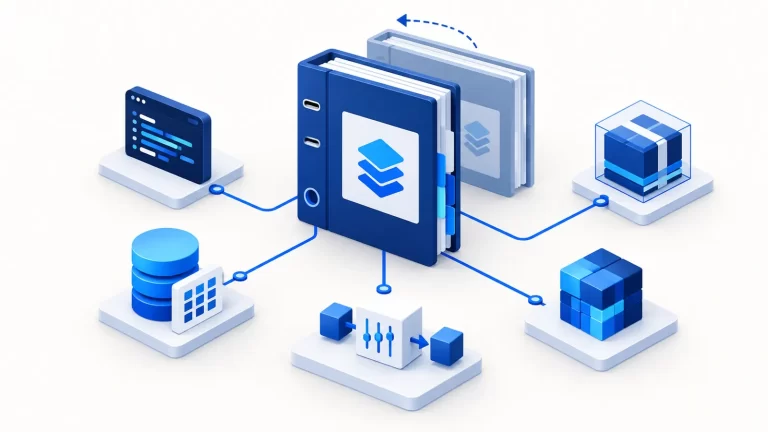
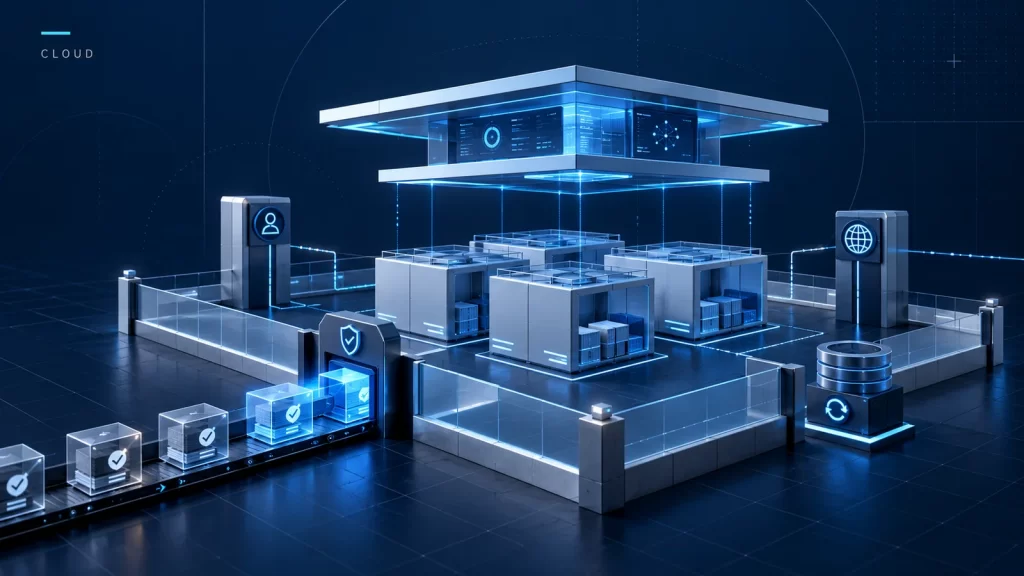
Deploying Kubernetes on AWS is an operating-model decision before it is a sequence of installation commands. A team must choose who owns the control plane, node lifecycle, networking, identity, upgrades and recovery. Creating a cluster demonstrates only the beginning of those responsibilities.
The earlier article contained historical installation screenshots and package instructions. This revision replaces that walkthrough with decision boundaries and operational guidance. It is not a tested production deployment, and current installation steps should come from the chosen platform’s official documentation.
Managed and self-managed responsibilities
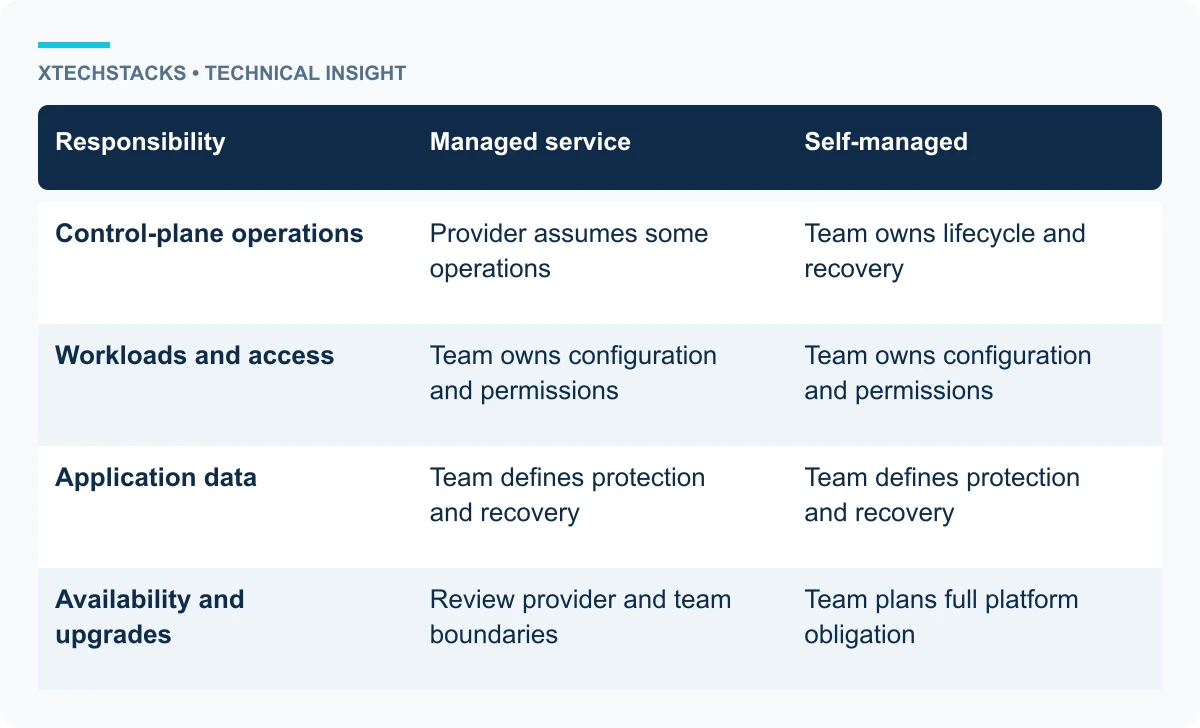
A managed Kubernetes service can assume some control-plane operations, while the team still owns workload configuration, access, data and appropriate cluster integrations. A self-managed deployment also requires control-plane lifecycle, state backup and recovery procedures.
Choose deliberately. The ability to install a control plane on compute instances does not establish that the team can maintain it during upgrades or failures. Compare the full operational obligation, including availability, observability, staffing and recovery—not just the cost of the first instances.
Network and identity architecture
Define the network boundaries for nodes, workloads, administrative access and external traffic. Review address capacity, DNS, routing and the intended exposure of services. A workload should not become public merely because a convenient example creates a public load balancer.
Use appropriate identities for operators and workloads, and limit their permissions. Administrative credentials, node credentials and application access are different boundaries. Document how access is granted, revoked and audited. Keep secrets out of manifests and source repositories.
Node and workload lifecycle
Nodes need compatible runtimes, patching and replacement procedures. Workloads need resource requests and limits, readiness behavior and appropriate placement. An application that works on one unconstrained node may fail when scheduling or resource pressure changes.
Design workloads to tolerate expected restarts and rescheduling. Stateful applications require explicit storage and recovery decisions. Kubernetes can coordinate workload state, but it does not automatically guarantee application-level data consistency or backup validity.
Installation guidance changes over time
Use the official instructions for the selected Kubernetes version and platform. The legacy Kubernetes package repositories were deprecated and frozen; old commands referencing them should not be copied as current guidance. Version compatibility between components also needs review.
Maintain a reproducible infrastructure definition and record the cluster configuration. Do not treat undocumented manual steps as an acceptable production baseline. Review the definition alongside the upgrade and rollback procedures.
A practical application deployment
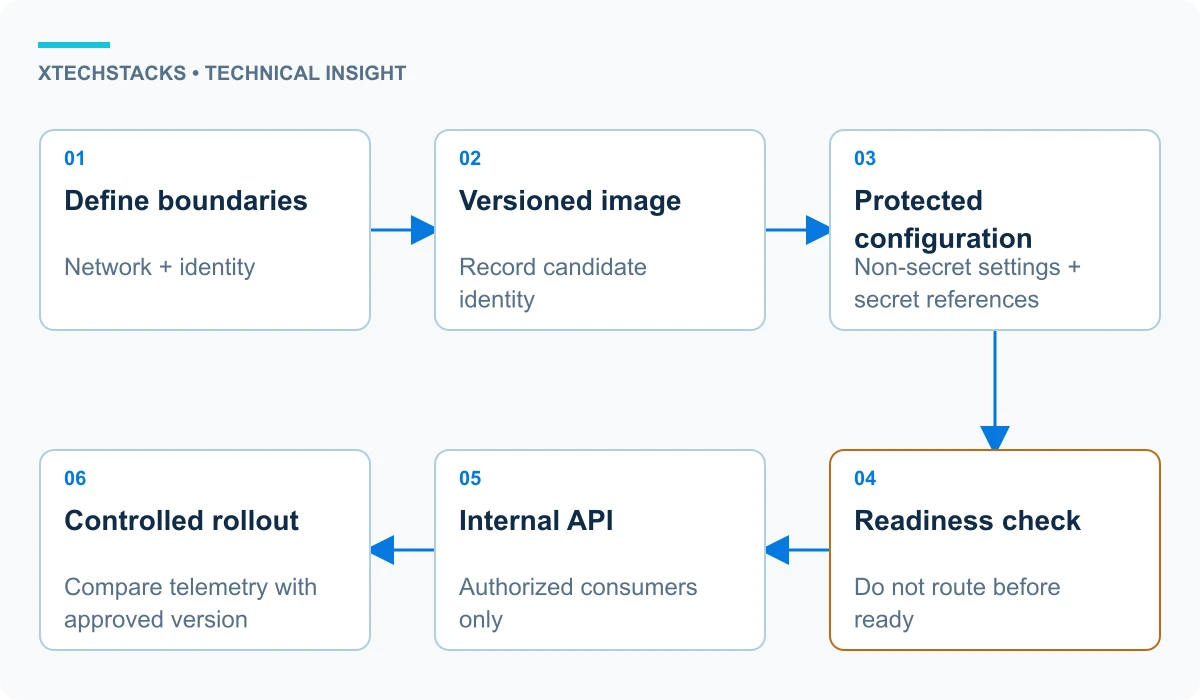
Consider a hypothetical internal API. The infrastructure establishes the intended network and identity boundaries. The delivery pipeline publishes a versioned image. Deployment configuration supplies non-secret settings and references the protected secret mechanism. Readiness checks prevent traffic from reaching an instance before it is ready.
The service exposes the API only to its authorized consumers. Operational telemetry records errors, latency and resource behavior. A controlled rollout compares the candidate with the approved version. The example is an architecture sequence, not a claim that these controls are configured in an existing cluster.
Observability, backup and recovery
Monitor the platform and the application separately. Node health, control-plane behavior and scheduling failures help diagnose platform incidents. Application latency, errors and task outcomes indicate whether consumers receive acceptable service.
Backups need a restoration test appropriate to the resources and data they protect. In a self-managed cluster, control-plane state is part of recovery. Application databases and external stores may require separate procedures. A copied volume or saved manifest alone is not evidence that the application can be restored.
Upgrades and security maintenance
Plan upgrades around supported version relationships, API changes and workload compatibility. Test affected resources in a suitable environment before production rollout. Avoid assuming that a successful control-plane upgrade proves every application still behaves correctly.
Review images, dependencies, permissions and admission controls as part of ordinary maintenance. Assign owners for platform upgrades and workload remediation. Security responsibility is not transferred entirely to the cloud provider by using managed infrastructure.
Trade-offs and recommended approach
Kubernetes is useful when its scheduling and orchestration capabilities meet actual application requirements. It introduces a substantial configuration and operational surface. A simpler managed application service may be more appropriate for a small workload with straightforward deployment needs.
Start with the workload, operating owner and recovery requirements. Choose the smallest platform that satisfies them. For Kubernetes, document responsibilities explicitly and verify deployment, access, observability and restoration before describing the system as production-ready.
Key takeaways
- Choose the operating model before the installation method.
- Separate platform identity and application access.
- Use current official version-specific instructions.
- Test workload recovery and upgrade compatibility.
Verify a constrained rollout
In a controlled environment, replace one application instance and inspect readiness, request handling and recovery. Confirm that the candidate image identity is recorded and that an unhealthy instance does not receive intended traffic. The test should exercise workload behavior, not just confirm that the cluster reports a running pod.